Create
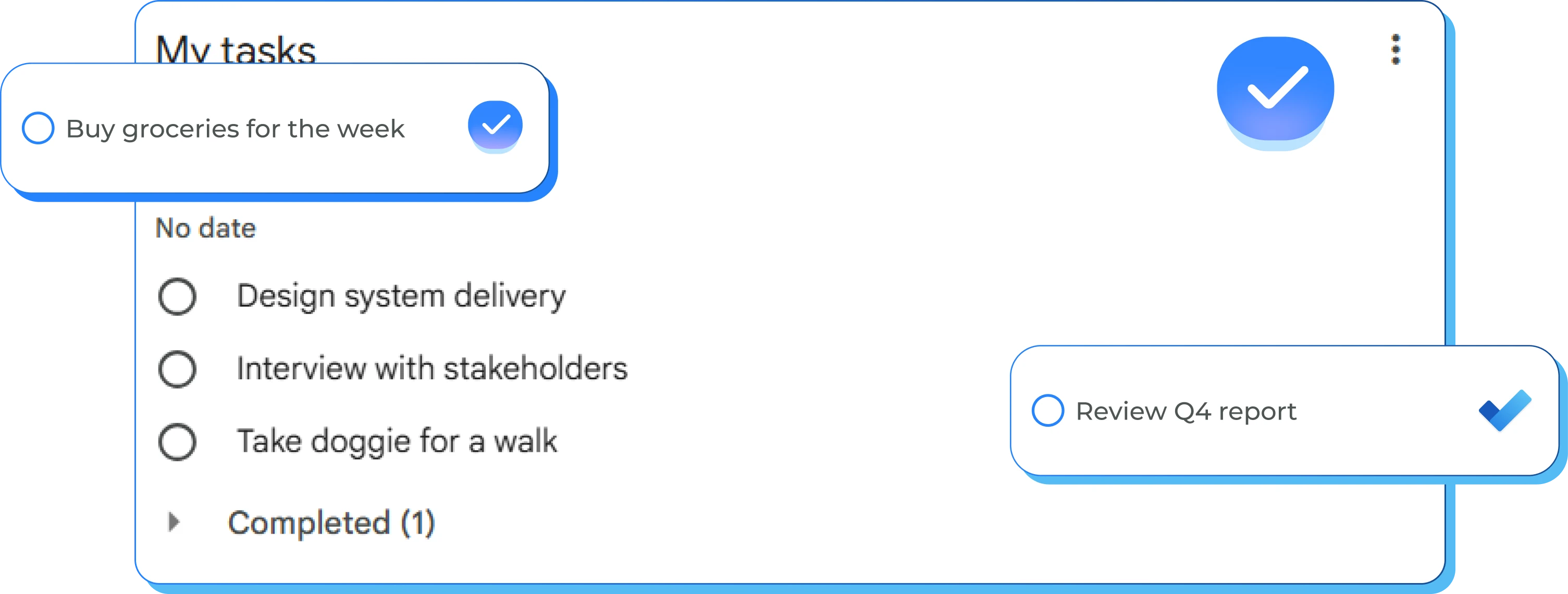
New Google Tasks appear in Microsoft To Do automatically. Creation flows one way; updates, completions and deletions sync both ways.
Create tasks in Google Tasks — from Gmail or Google Nest — and have them show up in Microsoft To Do. Keep edits, completions, and deletions synced both ways.
No credit card required — sync tasks in minutes.
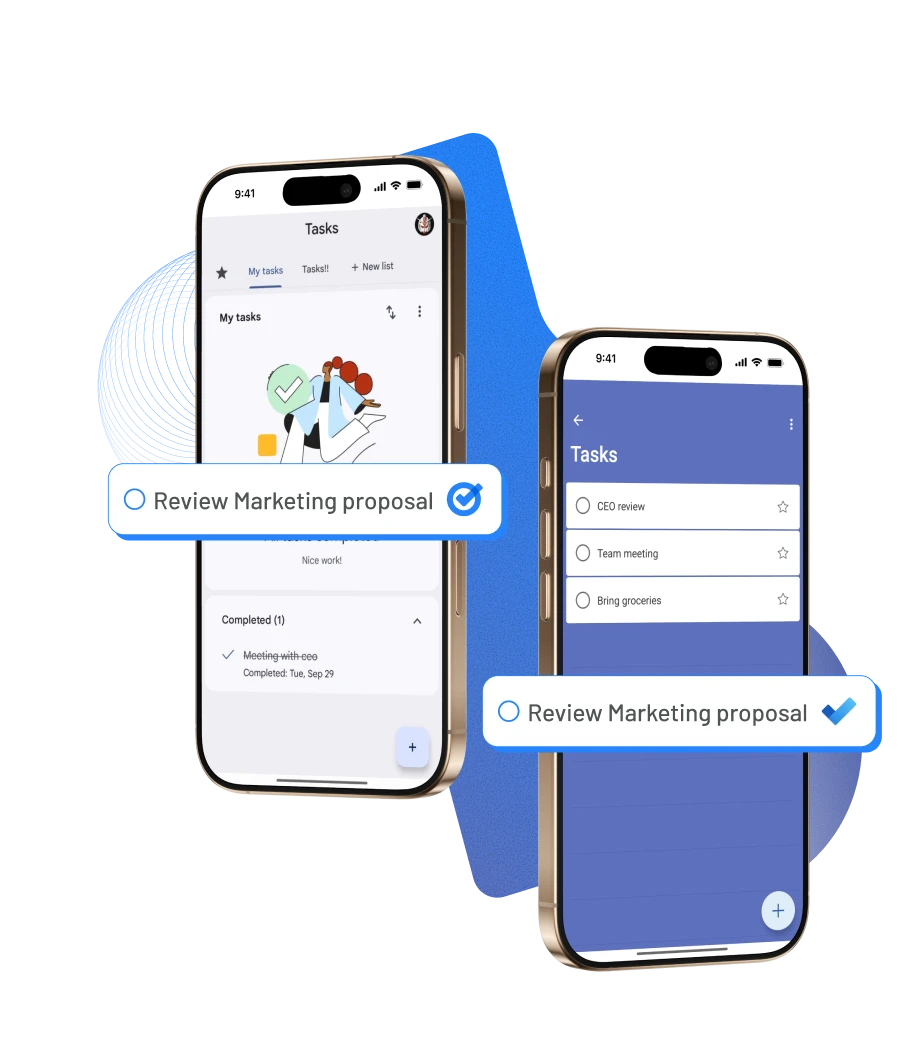
New Google Tasks appear in Microsoft To Do automatically. Creation flows one way; updates, completions and deletions sync both ways.
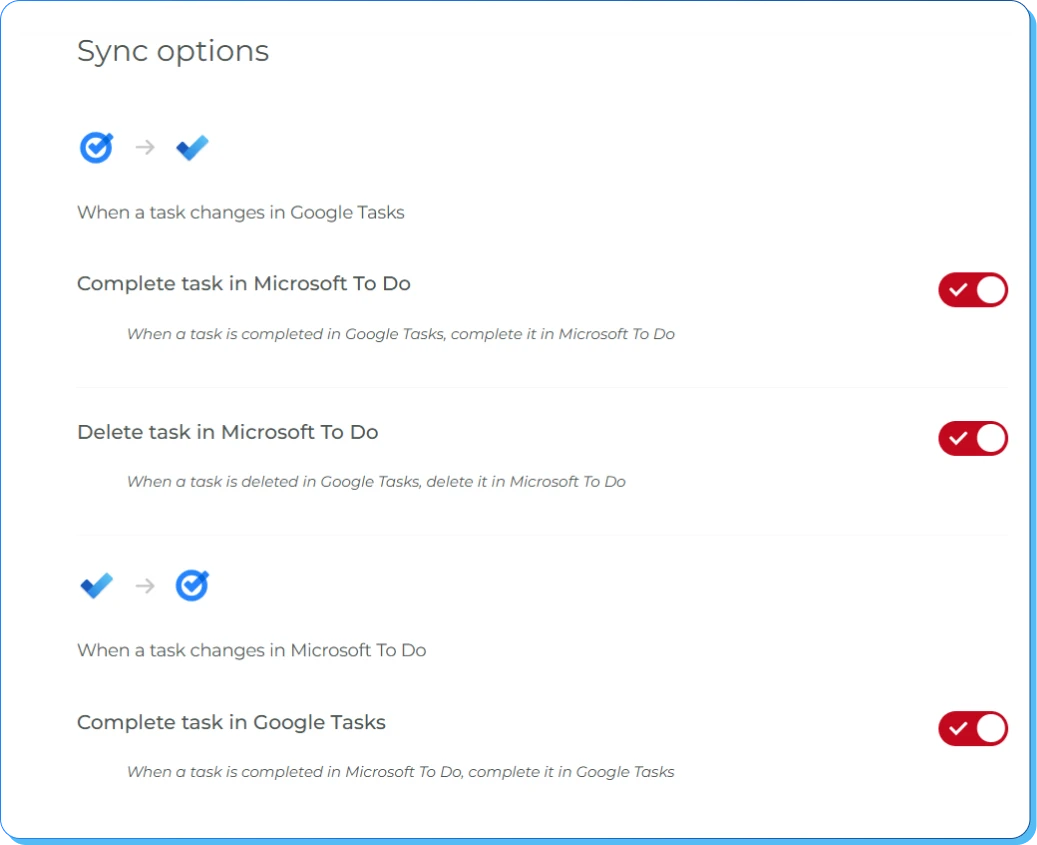
Change a task's name or due date in either app and the edit syncs both ways.
Check a task off in Google Tasks or Microsoft To Do and it is marked done in both.
Remove a task in either app and it is removed from the other, so your lists never drift apart.
"Pleexy is basically set and forget. It works seamlessly in the background, so much so, you forget it's even there."
Andrew · Trustpilot
Simplify your workflow in just a few steps
1
Connect your Microsoft To Do account with Pleexy
2
Link your Google Tasks account
3
Choose which Google Tasks lists to sync and set your rules
4
Create tasks in any Google app — manage them from Microsoft To Do or Google Tasks
How Pleexy connects Google Tasks and Microsoft To Do
No credit card required · Set up in 10 minutes.
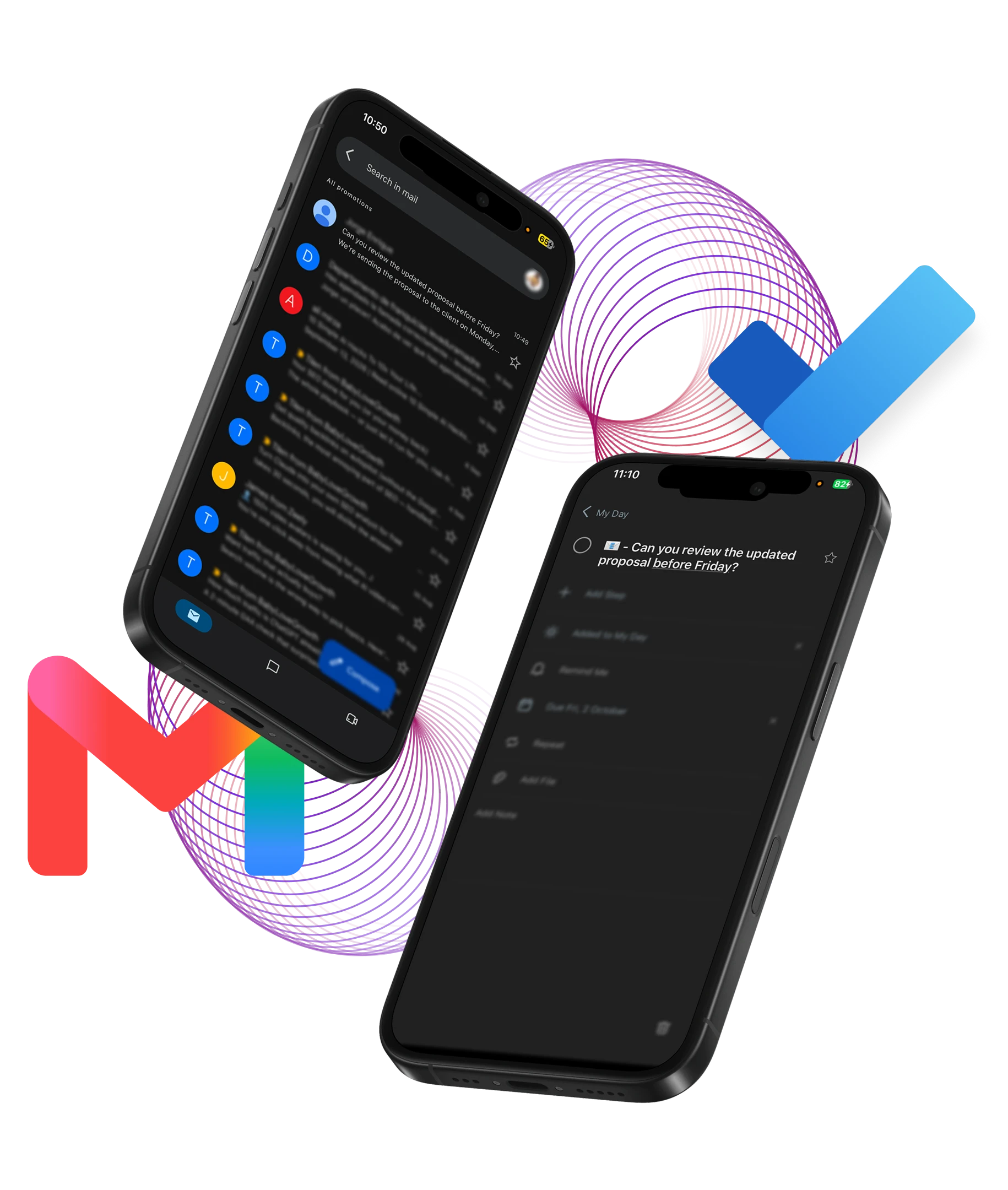
Turn an email into a task from the Gmail side panel. It is in Microsoft To Do by the time you plan your day.
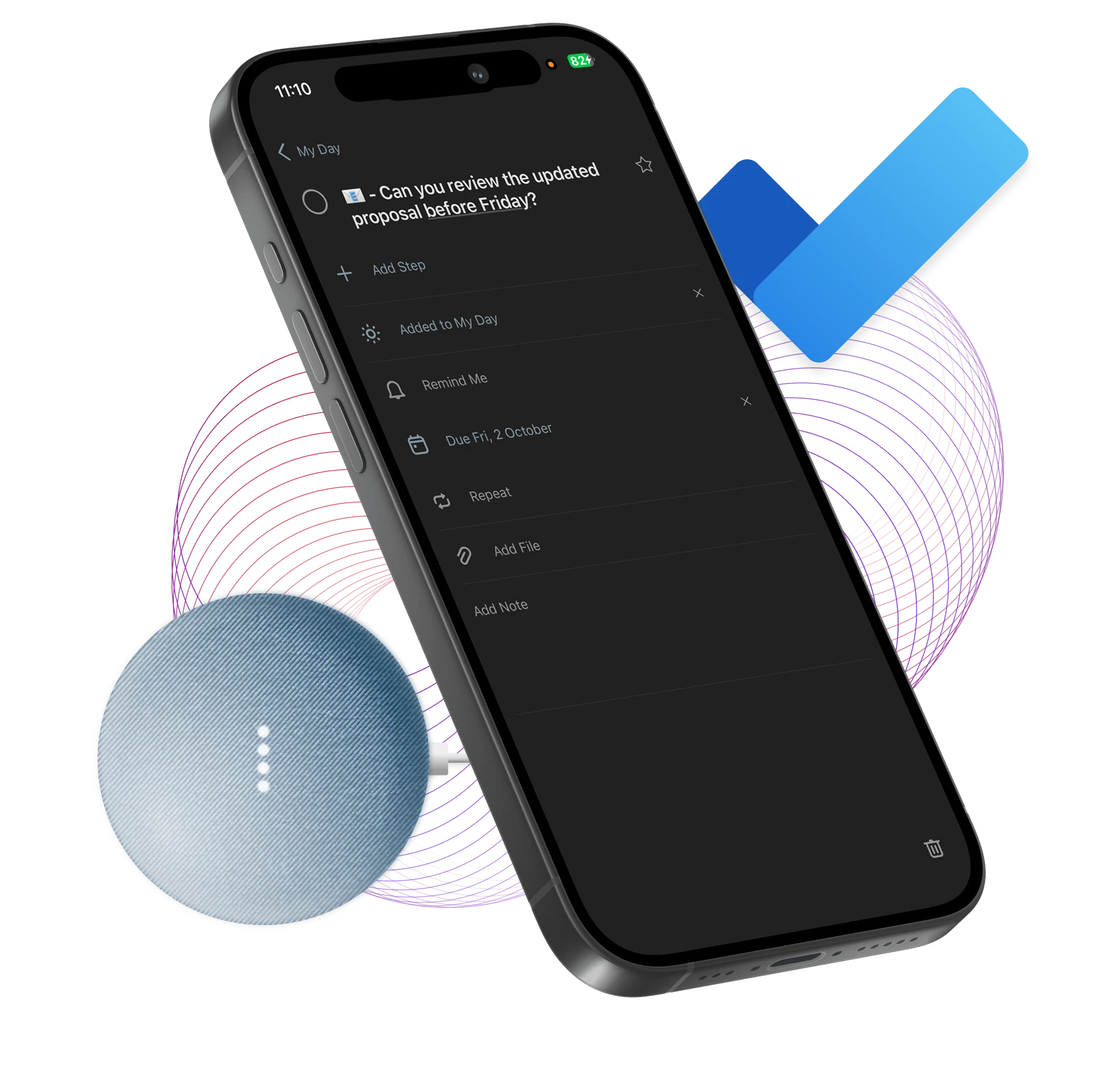
Say it out loud to Google Nest and it is waiting for you in Microsoft To Do, hands-free.
Automatically turn tasks from Google Tasks into Microsoft To Do tasks.
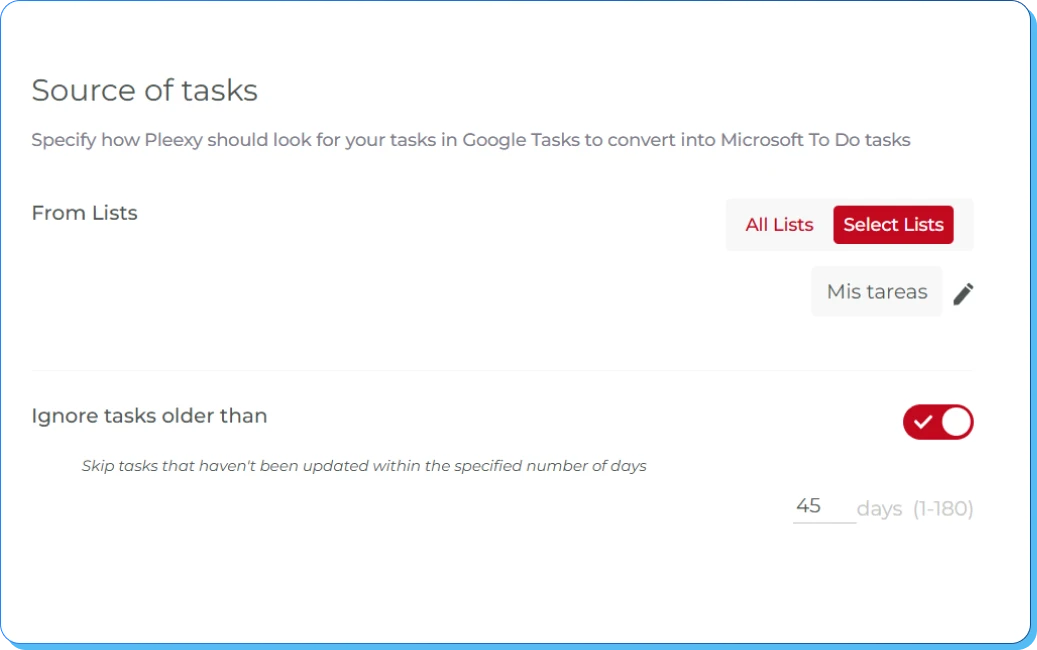
Choose which Google Tasks lists to pull from and filter by due date or completion status. Set an age limit to skip older tasks.
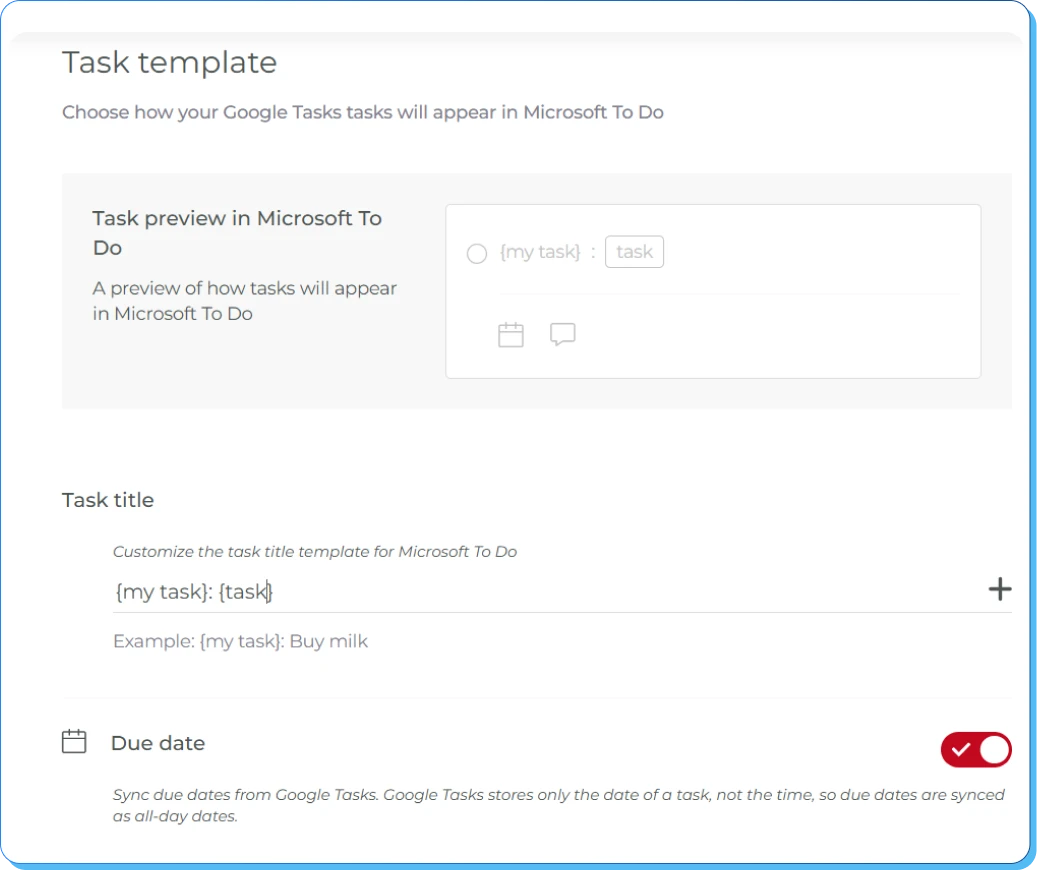
Set the title template, due date, reminder, and note based on the Google Task.
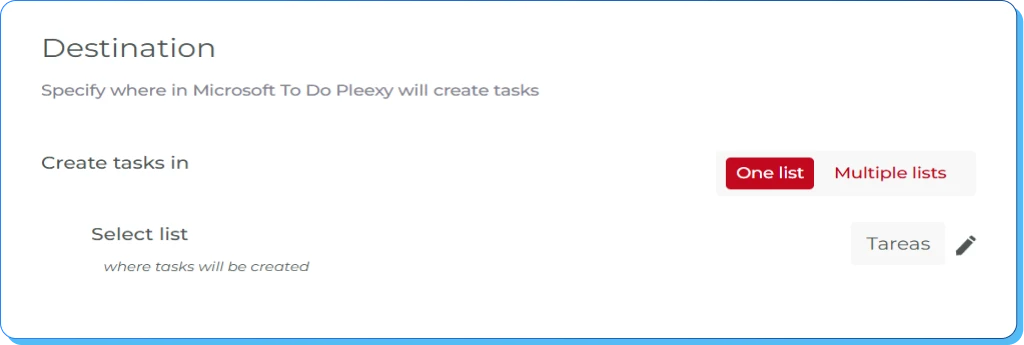
Add them to one or more lists so they land where you plan your day.
Sync completions, updates, and deletions two-way, so a task you capture from Gmail or ask Google Nest to remember stays consistent everywhere.
Keep one daily list without losing the tasks you create inside Google apps. Pleexy keeps Google Tasks and Microsoft To Do consistent no matter where you manage the task.
No credit card required · Save hours every week.
Stop double-checking Google Tasks and Microsoft To Do against each other
A task you added from Gmail, or asked Google Nest to remember, never makes it into your Microsoft To Do "My Day".
You retype tasks from Google Tasks into Microsoft To Do, then keep both lists updated by hand.
You complete something in one app and forget to close it in the other, so neither list is trustworthy.
Turn an email into a Google Task, or add one by voice on Google Nest, and work it from Microsoft To Do alongside the rest of your day.
Every Google Task lands in Microsoft To Do on its own, so your Google and Microsoft work sit in one place.
Complete or edit a task in either app and Pleexy keeps the other in step. Delete it once and it is gone from both.
Not currently. Task creation is one-way. Pleexy sends new tasks from Google Tasks into Microsoft To Do, but a task you create directly in Microsoft To Do stays in Microsoft To Do.
Updates, completions, and deletions still sync both ways, so once a task exists in both apps you can manage it from either one.
It is deleted in Google Tasks too. Deletion syncs both ways, so you only have to remove a task once.
Yes. Pleexy works with both personal Google accounts and Google Workspace accounts, as long as Google Tasks is enabled for the account. Sign-in uses Google OAuth, so Pleexy never sees your password.
Anything that writes to Google Tasks — Gmail and Google Assistant on Google Nest. Once the task is in Google Tasks, Pleexy brings it into Microsoft To Do.
You'll get full access for 14 days to test our product, no credit card required. If you haven't updated to one of our subscriptions by then, all your connections will be paused for 2 weeks, and after that all your data will be removed from our platform.
Yes! If you cancel your subscription within 30 days of your first purchase, you are eligible for a full refund in accordance with our refund policy. To receive a refund, please contact our support team via in-app chat.
Try Pleexy free for 14 days — no credit card needed.